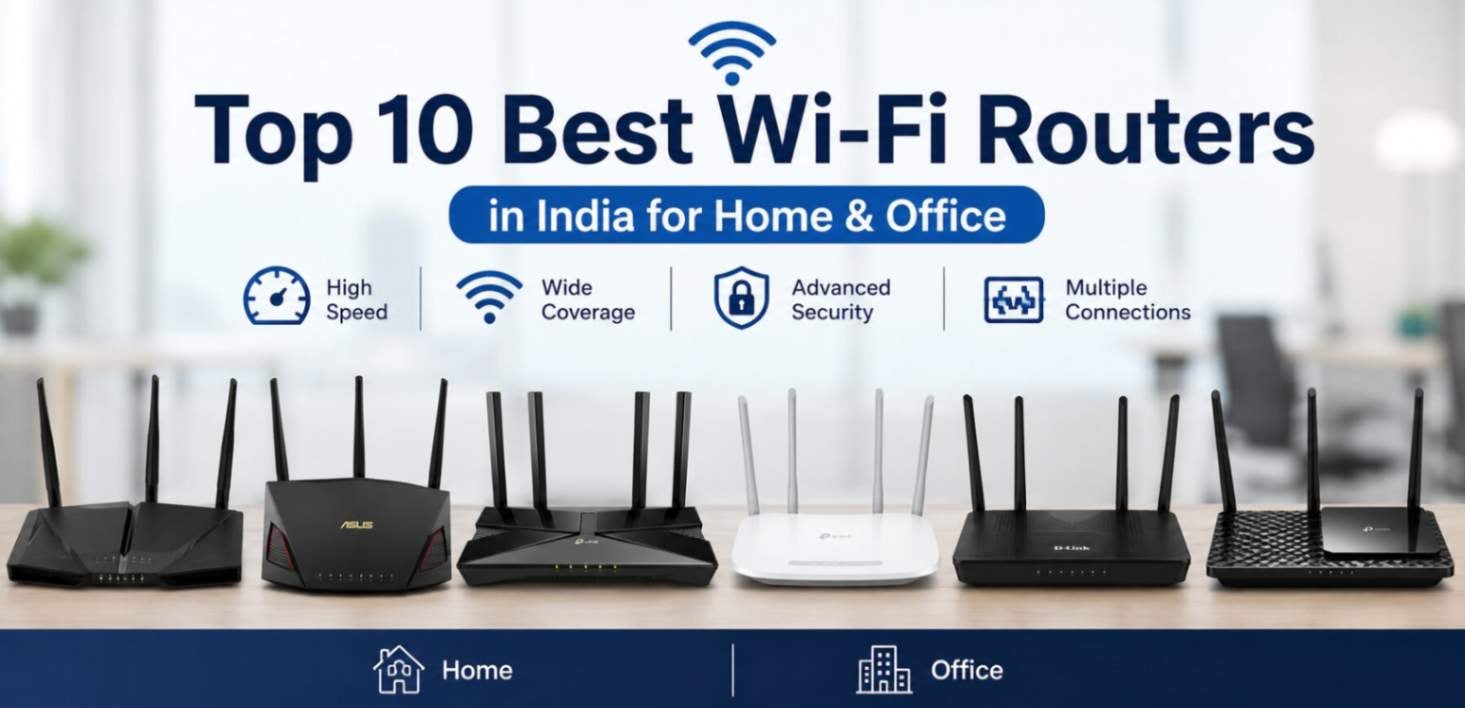
Top 10 Best Wi-Fi Routers in India for Home and Office
Having trouble with low internet speed? Maybe it's time to upgrade your wi-fi router. If you have an old router, then you should definitely upgrade it. With a new device, you will get several benefits such as expanded wireless range, more upload/download speed, and enhanced security with high-quality encryption. However, choosing the right wi-fi router can be difficult with so many options available online in the market. This guide reveals the 10 best WI-FI routers that you can buy for your home and office. These options are handpicked by our experts and are specifically selected for streaming games, office work, and everyday browsing.
What is a Wi-Fi Router?
A Wi-Fi router is a device that allows you to connect to the internet. It connects to the LAN cable and lets your other devices access the internet wirelessly, such as smartphones, tablets, laptops, and more. When it receives the internet from the service provider you have selected, it translates the data into signals for your personal devices to connect and access the internet.
Key Features of a Wi-Fi Router
Dual Band or Tri-Band
A dual-band router has 2.4 GHz and 5 GHz bands. While the 2.4 GHz band offers long range and strong connectivity, even through walls, the 5 GHz band offers incredible speed with a lower response time. A tri-band router adds another 5GHz and 6GHz bands to connect more devices at home or office.
Firewall Protection
Wi-Fi comes with built-in firewalls that help protect your network by blocking unauthorized or suspicious traffic coming from the internet. It acts as a security barrier between your connected devices and internet threats.
Wired Ports
These ports are Ethernet connections in the router that allow you to connect different devices directly to the network via cable. This provides higher response time for gaming, streaming, printing, and other critical tasks.
How to Buy the Right Wi-Fi Router for Home or Office?
Here are some major points to check when buying one:
Right Router Type
Make sure to consider which place you are buying a Wi-Fi router for. This will help you to choose the right type of router for your space, like home or office. Standalone routers are best for small apartments and houses with full coverage. The mesh system is ideal for large spaces with multiple devices, covering even the dead zones. A modem/router combo for higher performance.
Right Wi-Fi Standard and Speed
Wi-Fi 5 (AC): Budget-friendly choice for single-person use.
Wi-Fi 6 / 6E (AX): Excellent standard for reducing lag and crowding.
Wi-Fi 7: Future-proof choice for handling heavy 4K/8K streaming and hardcore gaming.
Note: Pick a router with maximum rated speeds at least twice your ISP plan speed.
Essential Features
Ports: Choose gigabit or 2.5G Ethernet ports
Security: Get WPA3 encryption to keep your personal and office data safe.
Top 10 Best Wi-Fi Routers for Enhanced Network Speed and Connectivity
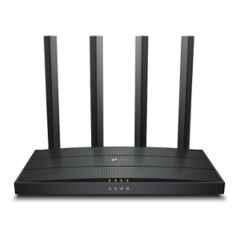
1. TP-Link Archer AX55
Features:
Dual-band Wi-Fi 6 router
Up to 3,000 Mbps combined speed
Gigabit Ethernet ports
OFDMA and MU-MIMO support
WPA3 security
Benefits:
Provides fast and stable connections for multiple devices
Suitable for streaming, gaming, and work from home
Better network efficiency in busy environments
Strong security for connected devices
2. ASUS RT-AX3000
Features:
Wi-Fi 6 dual-band technology
Up to 3,000 Mbps combined speed
MU-MIMO and OFDMA support
AiProtection security
Gigabit LAN ports
Benefits:
Handles multiple connected devices efficiently
Suitable for demanding home and office use
Provides improved coverage and network stability
Advanced security helps protect the network
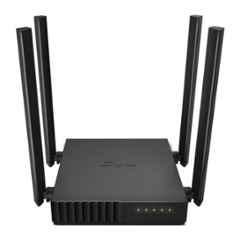
3. TP-Link Archer C6
Features:
Dual-band AC1200 Wi-Fi
Up to 1,200 Mbps combined speed
Four external antennas
MU-MIMO technology
Gigabit Ethernet ports
Benefits:
Good option for everyday browsing and streaming
External antennas help improve wireless coverage
Supports multiple devices simultaneously
Gigabit ports provide faster wired connections
4. Tenda AC10
Features:
Dual-band AC1200 Wi-Fi
Four high-gain antennas
MU-MIMO and Beamforming
Gigabit Ethernet ports
WPA/WPA2 security
Benefits:
Provides reliable coverage for homes and small offices
Handles multiple connected devices
Suitable for HD streaming and online work
Easy to integrate with wired devices
5. TP-Link Archer AX23
Features:
Wi-Fi 6 dual-band router
Up to 1,800 Mbps combined speed
OFDMA and MU-MIMO
Beamforming technology
WPA3 encryption
Benefits:
Offers faster and more efficient Wi-Fi
Reduces network congestion
Suitable for homes with several connected devices
Provides improved network security
6. Netgear RAX10
Features:
Dual-band Wi-Fi 6
AX1800 wireless speeds
OFDMA and Beamforming
Gigabit Ethernet ports
WPA3 security
Benefits:
Suitable for streaming and video calls
Supports multiple devices with less congestion
Provides stable wired and wireless connectivity
Offers modern security features
7. D-Link DIR-X1560
Features:
Wi-Fi 6 dual-band technology
AX1500 speeds
OFDMA and MU-MIMO
Gigabit Ethernet ports
WPA3 support
Benefits:
Good for everyday home and office networking
Efficiently manages multiple devices
Helps reduce network congestion
Provides secure wireless connections
8. Tenda AC8
Features:
Dual-band AC1200 Wi-Fi
Four high-performance antennas
Beamforming technology
Gigabit Ethernet ports
MU-MIMO support
Benefits:
Suitable for basic home and small-office requirements
Offers stable wireless coverage
Supports simultaneous device connections
Gigabit ports are useful for high-speed wired devices
9. TP-Link Archer C80
Features:
Dual-band AC1900 Wi-Fi
3 x 3 MIMO technology
MU-MIMO and Beamforming
Gigabit Ethernet ports
WPA/WPA2 security
Benefits:
Delivers good speeds for streaming and browsing
Supports multiple devices efficiently
Helps improve wireless coverage
Suitable for homes requiring reliable connectivity
10. D-Link DIR-825
Features:
Dual-band AC1200 Wi-Fi
Multiple high-gain antennas
MU-MIMO support
Gigabit Ethernet ports
WPA/WPA2 security
Benefits:
Suitable for everyday internet use
Provides both 2.4 GHz and 5 GHz connectivity
Supports multiple wired and wireless devices
Offers a practical option for home and small-office networks
Conclusion
Choosing the right Wi-Fi router depends on your internet speed, coverage area, connected devices, and usage needs. Compare Wi-Fi standards, speed, security, Ethernet ports, and range before buying. The right router can deliver faster speeds, better coverage, stable connections, and improved security for both home and office networks.
Looking for the top-rated WiFi Access Point Routers?
Browse our complete collection and find the best product today.



Top Sellers